-
Home
/
-
WordPress CMS Website
WordPress CMS Website
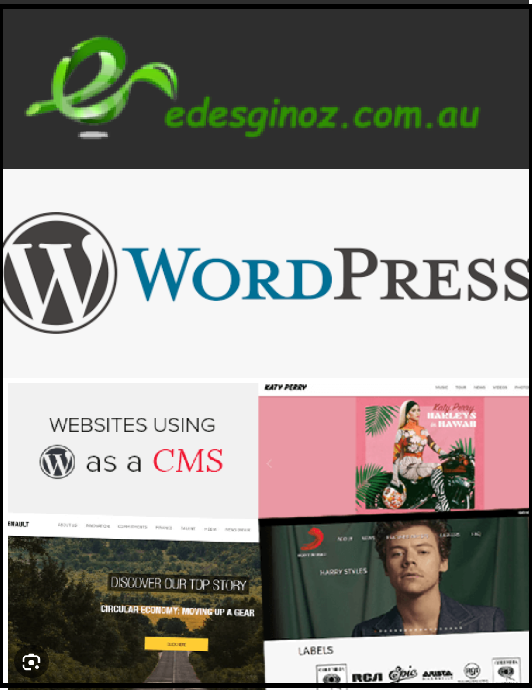
✅ WordPress Development & Configuration
- Installation and setup of the latest WordPress version.
- Configuration of core settings (site title, permalink structure, timezone, etc.).
- Secure login setup with strong password policies.
✅ Theme Customization
- Selection and customization of a premium or custom WordPress theme.
- Adjusting colors, fonts, and layout to match your brand identity.
- Responsive design built into the theme for mobile optimization.
✅ Plugins Installation & Configuration
- Essential plugins for functionality:
- SEO Plugin (e.g., Yoast SEO) for on-page optimization.
- Security Plugin (e.g., Wordfence) for malware protection.
- Backup Plugin (e.g., UpdraftPlus) for regular backups.
- Performance Plugin (e.g., WP Rocket) for speed optimization.
- Contact form plugin (e.g., Contact Form 7) with spam protection.
- Social sharing plugin for easy integration of social icons.
✅ User Management
- Setup of admin and editor roles for secure access.
- Ability to add new users with specific permissions.
✅ Media Library Setup
- Organized image and file management.
- Optimization of images for faster loading.
✅ Basic Security Hardening
- SSL certificate integration for secure browsing.
- Disable unnecessary features and protect against brute-force attacks.
- Regular updates for WordPress core, themes, and plugins.
✅ Analytics & Tracking
- Integration of Google Analytics for traffic monitoring.
- Setup of Google Search Console for indexing and performance insights.
✅ Training & Documentation
- Short guide or video tutorial on how to manage content.
- Tips for adding new pages, blog posts, and media.